A free POS system can be a great starting point for a bar, restaurant or venue. It can help the business get organised, manage products, handle sales and reduce the pressure of paying for software before the value is clear.
But free POS is not automatically good POS. Some systems are too limited, too disconnected or too expensive once the venue actually needs more control. For bars and restaurants, POS sits close to daily operations — touching products, menus, staff, sales and reporting. A badly chosen system can cause pain every day.
Why Free POS Appeals to Venues
Hospitality businesses are cost-sensitive for good reason — rent, staff, stock, equipment and unpredictable trade. A free POS system lowers the barrier. It allows the venue to begin organising products, menus and sales without heavy upfront commitment. For a small cafe, bar or new restaurant, that can be the difference between using a proper system and relying on spreadsheets and manual notes.
The Difference Between Free and Cheap
Free and cheap are not the same thing. A free POS system can be valuable if it gives the venue useful tools and a fair upgrade path. A cheap system can still be expensive if it wastes time, creates errors or traps the venue into poor workflows. The real question is not what does this cost today — it is will this system still make sense when the venue gets busier?
What Bars and Restaurants Actually Need From POS
Bars and restaurants need fast sales, clear product setup, flexible menus, staff access, simple changes, reliable operation and useful reporting. For a restaurant — menu items, categories, modifiers, prices and staff roles. For a bar — fast product selection, drink categories, promotions and quick adjustments. For a sports bar — match-day offers, food and drink bundles and fast service during peak periods. The best POS supports the way the venue actually operates.
Product and Menu Management
A POS system should make it easy to add, edit and organise products. Restaurants need clear categories — starters, mains, desserts, drinks, specials. Bars need beers, spirits, cocktails, promotions and happy-hour products. Menus change often — seasonal dishes, supplier price changes, new offers. If every update is painful, staff avoid making changes or make mistakes.
Staff Access and Permissions
Even small venues need control over who can do what. A cashier may need to process sales. A manager may need to change prices. An owner may need reports. A temporary staff member may need limited access. Without permissions, the venue risks mistakes and misuse. A free POS may offer basic access controls — that can be fine at the start, but premium upgrades should add control without making the system difficult to use.
Reporting and Business Visibility
Basic sales totals are useful, but growing venues need more — which products sell best, which times are busiest, which offers work and where margins may be slipping. A free POS may not include advanced reporting, but the platform should have a credible path toward deeper analytics. Reporting helps venue owners make better decisions. Without it, they are often guessing.
Reliability and Ease of Use
In hospitality, complicated systems fail under pressure. Staff need to use POS when customers are waiting, orders are moving and a bar is busy. The interface must be clear enough for real use. A free system that confuses staff creates more problems than it solves. Ease of use is not a luxury — it is operational survival.
Upgrade Paths and Hidden Costs
Some systems start free but become expensive once the venue needs basic features. Others charge heavily for support, devices, integrations, staff accounts or multiple locations. Venues should check what is included free, what becomes premium and what the upgrade path looks like. A fair model should make the free tier useful and the premium tier valuable — not punishment for growing.
POS Should Not Sit Alone
One of the biggest mistakes is treating POS as a separate island. Product information can support menu boards. Offers can support screen promotion. Menu data can support discovery pages. This is where HozPOS becomes more interesting inside Shozzle — connecting operations to discovery and promotion over time. A restaurant can use HozPOS with GreatFoodPlaces and UltraDisplayAds. A sports bar can use it with SportsFixtures, SportsBarz and screen promotions.
POS and Digital Menu Boards
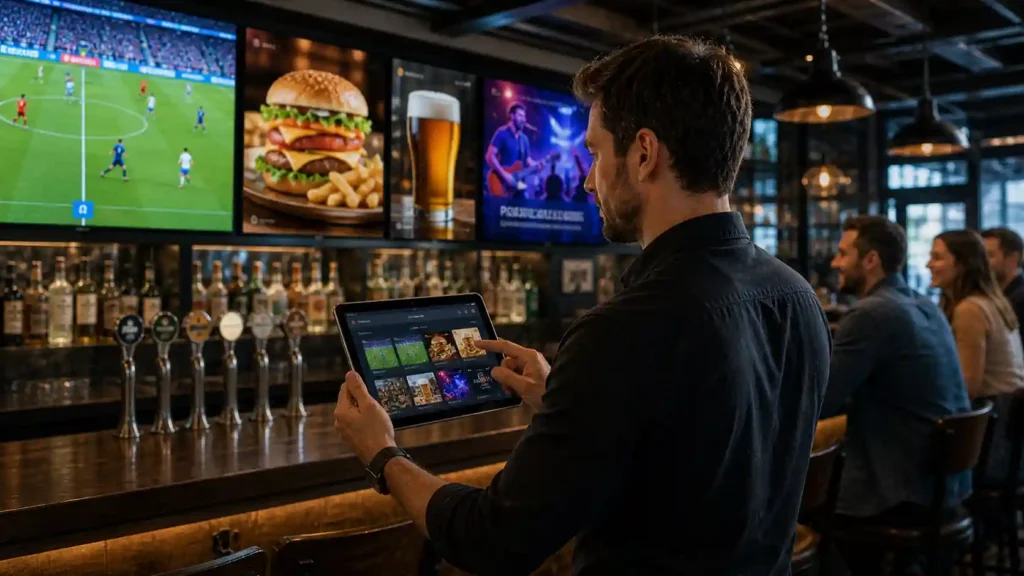
A menu item exists operationally but also needs to be promoted. If a restaurant is selling a lunch special, that item may need to appear in the POS, on the digital menu board and in the venue listing. When those systems are disconnected, the venue repeats work. When they connect, updates become easier and more consistent.
Questions to Ask Before Choosing a Free POS System
Can it handle my products and menu? Can staff use it quickly? Can I control permissions? What reporting is included? What becomes premium? Can it support promotions? Can it connect to screens or menu boards? Can it support more than one location later? What support is available? Does the system fit hospitality workflows? The best system is not the one with the longest feature list — it is the one that supports the venue’s real needs.
Common POS Mistakes Bars and Restaurants Make
Choosing only on price. Ignoring upgrade costs. Choosing a system staff hate using. Ignoring reporting until it is too late. Treating POS as separate from menu boards, offers and venue promotion. Not planning for growth. A free POS system should be a foundation, not a dead end.
Free POS Should Be a Smart Starting Point
A free POS system can be a strong move for a bar or restaurant, but only if it supports the way the venue works and gives a clear path for growth. Venues should look beyond the word free — consider product management, staff access, reporting, ease of use, upgrade costs, screen connections and multi-location potential. The right POS helps the venue operate today and grow tomorrow.